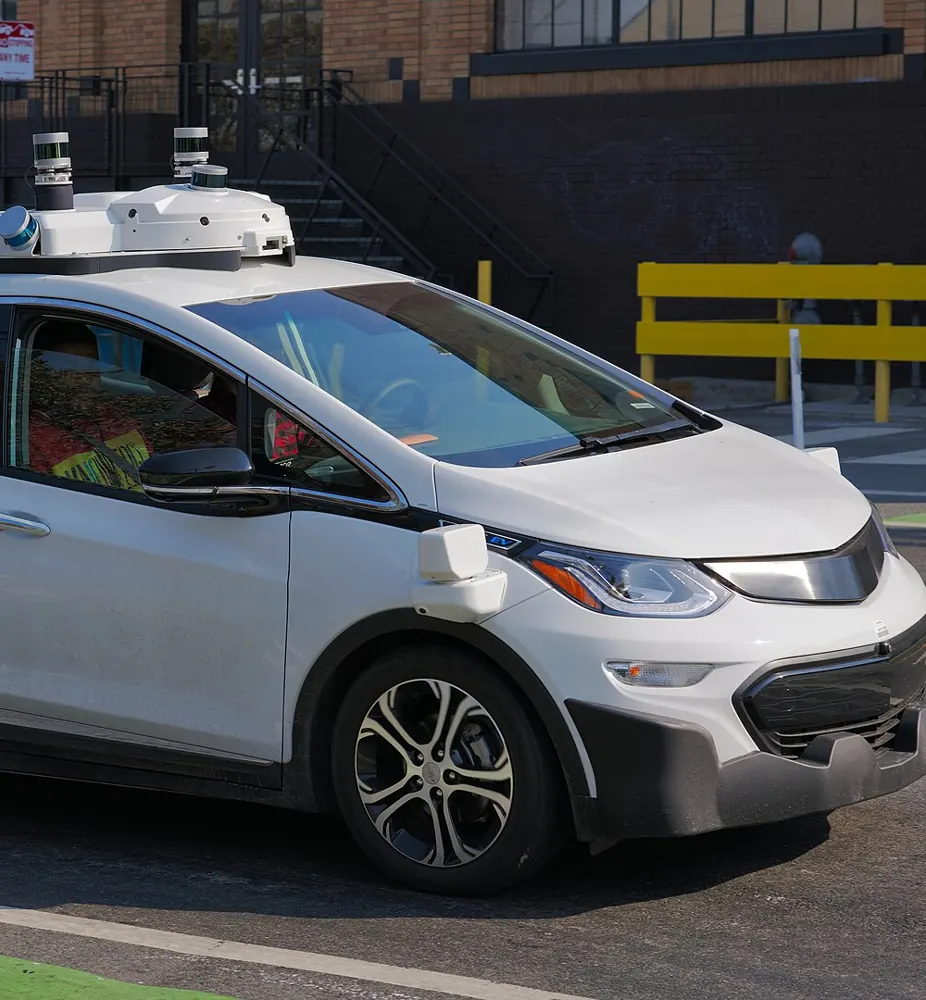
Autonomous vehicles
Cruise
950
robotaxis recalled
Bad build. Whole fleet. Fixed after the harm.
After hitting a pedestrian, the software tried to pull over and dragged her. All 950 robotaxis were recalled to fix it.
Ship fleet updates without betting the whole fleet.
Testbed checks whether a new build is safe before it reaches every robot.
Run it on your own rollout telemetry, at zero risk.
Testbed checks whether a new build is safe before it reaches every robot. Run it on your own rollout telemetry, at zero risk.
Candidate is worse on e-stop rate (0.19, limit 0.05).
| Pinned signal | Baseline | Candidate | Limit | Result |
|---|---|---|---|---|
| E-stop rate, per hour | 0.02 | 0.19 +0.17 | at most 0.05 | over |
| Localization drift | 0.4 cm | 0.5 cm +0.1 cm | at most 1.0 cm | ok |
| Task success | 99.1% | 98.9% -0.2% | at least 98.5% | ok |
| Control loop p95 | 41 ms | 43 ms +2 ms | at most 60 ms | ok |
Flagged at 14:07. E-stop rate over limit for 9 minutes. Rollout held at 12 of 212.
One flawed update reaches every robot in minutes. Here's what that's already cost the most advanced fleets in the world.
Autonomous vehicles
Cruise
950
robotaxis recalled
Bad build. Whole fleet. Fixed after the harm.
After hitting a pedestrian, the software tried to pull over and dragged her. All 950 robotaxis were recalled to fix it.
Connected IoT
LockState
~500
locks bricked
Wrong build, wrong model. Bricked. No OTA left to fix it.
Firmware for the 7i was pushed to the 6i. The hardware had to be recalled.
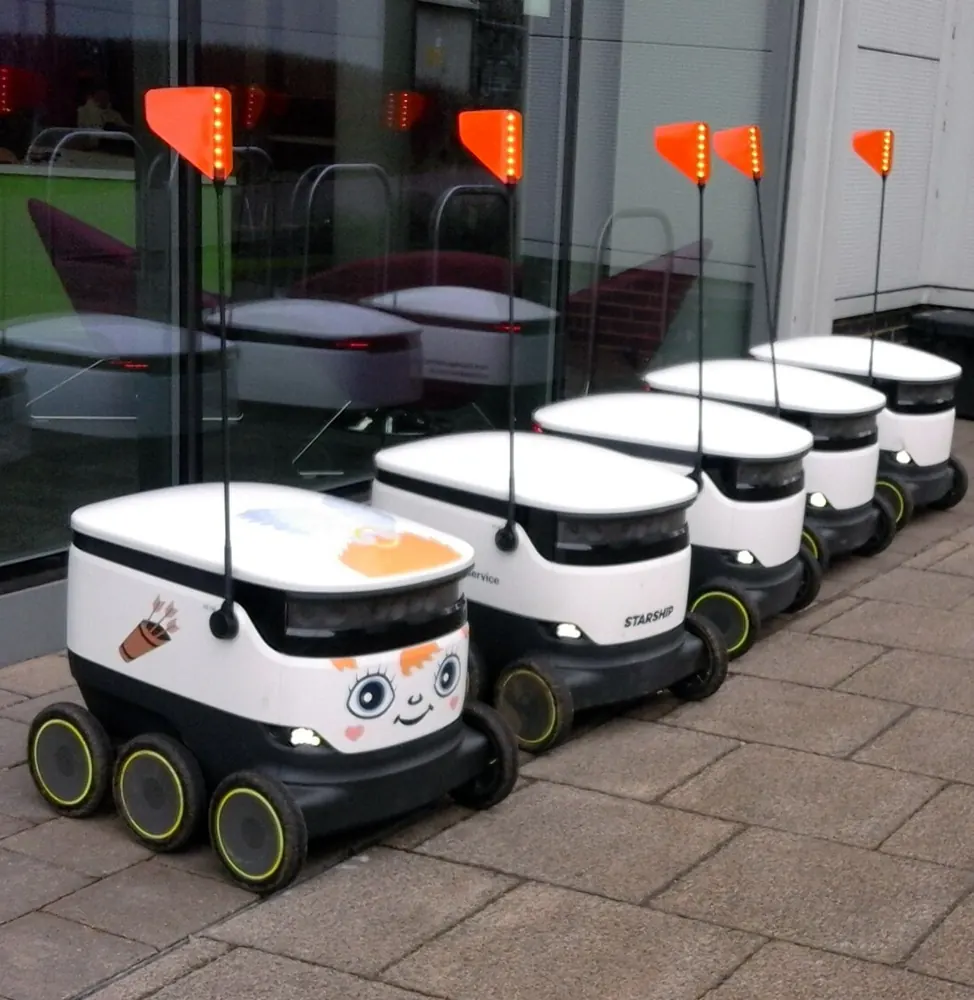
Robotics OTA
Robot fleets
NEXT
could be your fleet
A single flawed artifact can brick a fleet faster than operators can react.
Failures scale linearly with fleet size. That is why we exist.
Gate
Pin the signals. Canary the new build. The judge compares both arms and writes a receipt.
The release lifecycle
Replay a past or live deployment from your fleet's own telemetry.
Show our engine a rolloutPin the signals that matter, e-stops, interventions, task success, before the test runs.
Set your checksRun the new build against the version it's replacing. Side-by-side, over the same window of real fleet data. Nothing is learned, so nothing goes stale.
Run a BacktestPromote only when the evidence clears. A bad build stops at the canary, not the fleet.
Set up a release gateDeterministic checks for format, thresholds, and the pinned policy. No model on the verdict path.
Show our engine a past rollout from your fleet. It replays the deployment and shows where it would have held a bad build, on your own data, at zero risk. You get a receipt: candidate vs. the previous version, the timestamp of the flag, and how long the signal sat over its limit before the hold. Detection takes a window of telemetry, not an instant.
No. You show our engine a rollout. You're not handing over your systems. The critical decision can run on your side, the cloud is optional, and we see your metadata, not your data.
Only the safety-critical signals you pin in the policy: things like e-stops, interventions, task success, and control-loop metrics. We do not ingest or retain your full telemetry stream. The gate reads the pinned signals over the canary window and keeps the receipt.
There is no custom integration, but there is wiring. You run our adapter against your telemetry, map your signal names to the ones the policy uses, set up authentication, and hook the gate into your updater so it can promote, pause, or roll back. After that it runs on the OTA path you already have.
The baseline is the build you're replacing, measured over the same window as the candidate. Testbed does not learn a model of normal and keep it around, so there is no baseline to retune between releases. Every gate re-measures both builds, and the limits are the ones you pinned in the policy file.
No. No model sits on the decision path. Every verdict comes from rules you pin before the test, so it's deterministic and auditable.
A dashboard shows you what happened after you deploy. Testbed decides before the build reaches the fleet, and can block a bad one. It's a gate, not a report.
Autonomy grows in stages. Shadow: Testbed watches and reports. Guard: it can hold a bad rollout. Unguarded: it runs the gate automatically. You move up as you trust it.
Join the waitlist and we'll run a Backtest on a past rollout from your fleet.
We're working with early teams now. Reach out and we'll figure out what makes sense.
Teams shipping software to fleets of physical robots, where a bad deploy crashes a robot, not a web page.
Have more questions? Join the waitlist and ask us.